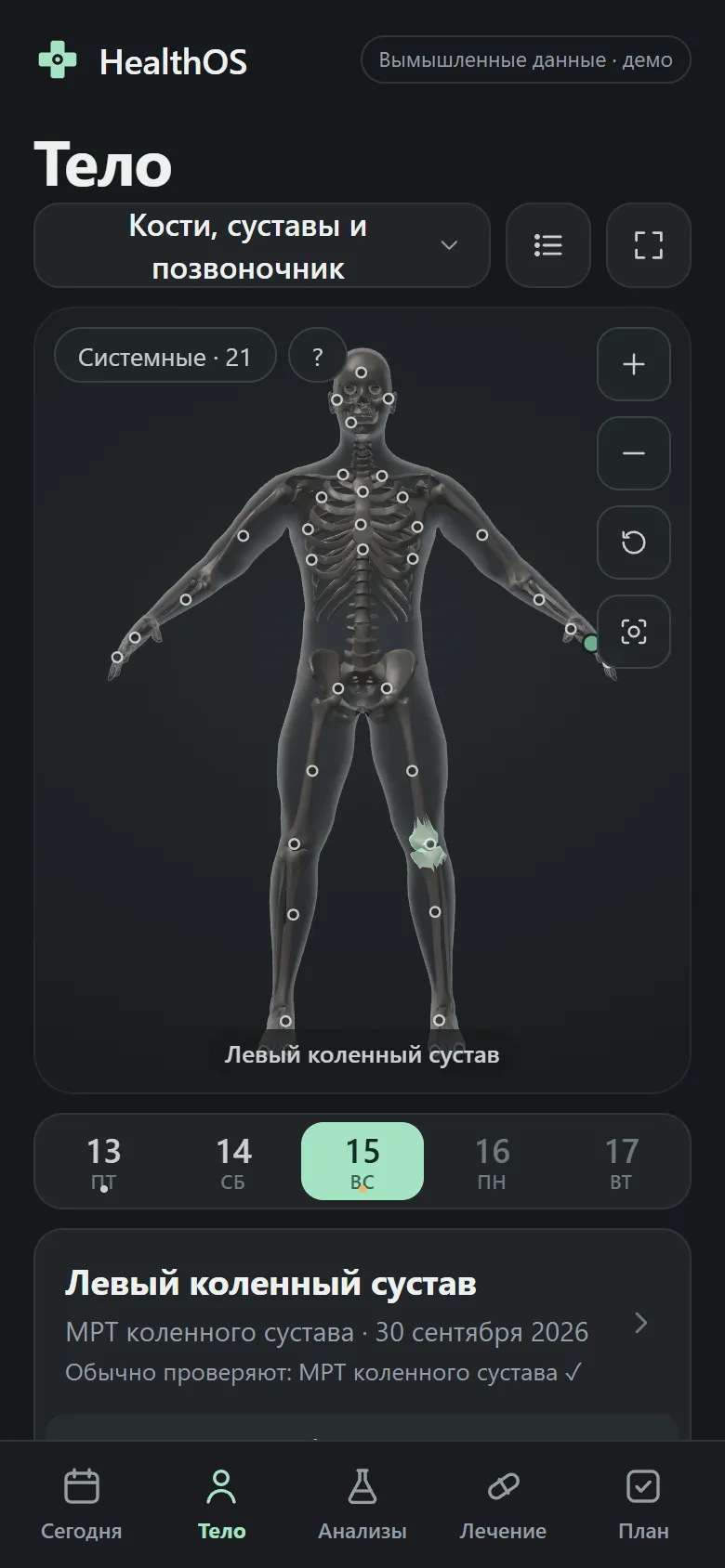
A QR-code menu and booking without a callA site that introduces and leads to booking
Websitespilot: the first site is with a clientpilot
Websites built around one business. For a venue – an online menu and booking the owner updates from a phone. For a specialist – a site that introduces them, answers the client’s fears and leads to booking.
A site built for one specialist: it introduces them, eases concerns before the first session and leads to booking.
The demo is taking a while to load. Open in a new tab
The problem
The menu is stored as images in a cloud folder: slow to open, has to be pinch-zoomed on a phone, and every price change means a new image.
Bookings come in by phone and through different messengers, and requests are easy to lose.
Who it’s for
-
Café or bar owner
Pain: Every price change means remaking the menu image
Gets: Updates the menu, prices and sold-out items from a phone
-
Host handling bookings
Pain: Bookings arrive by phone and in different messengers; requests get lost
Gets: Requests from the site arrive with a phone number and a Telegram alert
-
Independent professional
Pain: Website builders give everyone the same template
Gets: A site of your own, built for phones, with booking via a form
Who it’s for
-
Independent professional
Pain: Website builders give everyone the same template
Gets: A site of your own, built for phones, with booking via a form
What a site like this gives
Introduces in advance
Before the first session the client sees how the specialist works, who they are a good fit for and who they are not.
Eases concerns
A separate block on confidentiality and answers to common questions – the things people hesitate to ask.
Shows the path
From request to first session, step by step, with no unknowns.
Leads to booking
A form with a choice of contact channel and convenient time. Only the specialist reads the request.
Built for one person
Copy, structure and look are made for a specific specialist and for the phone – not a site-builder template.
How it works
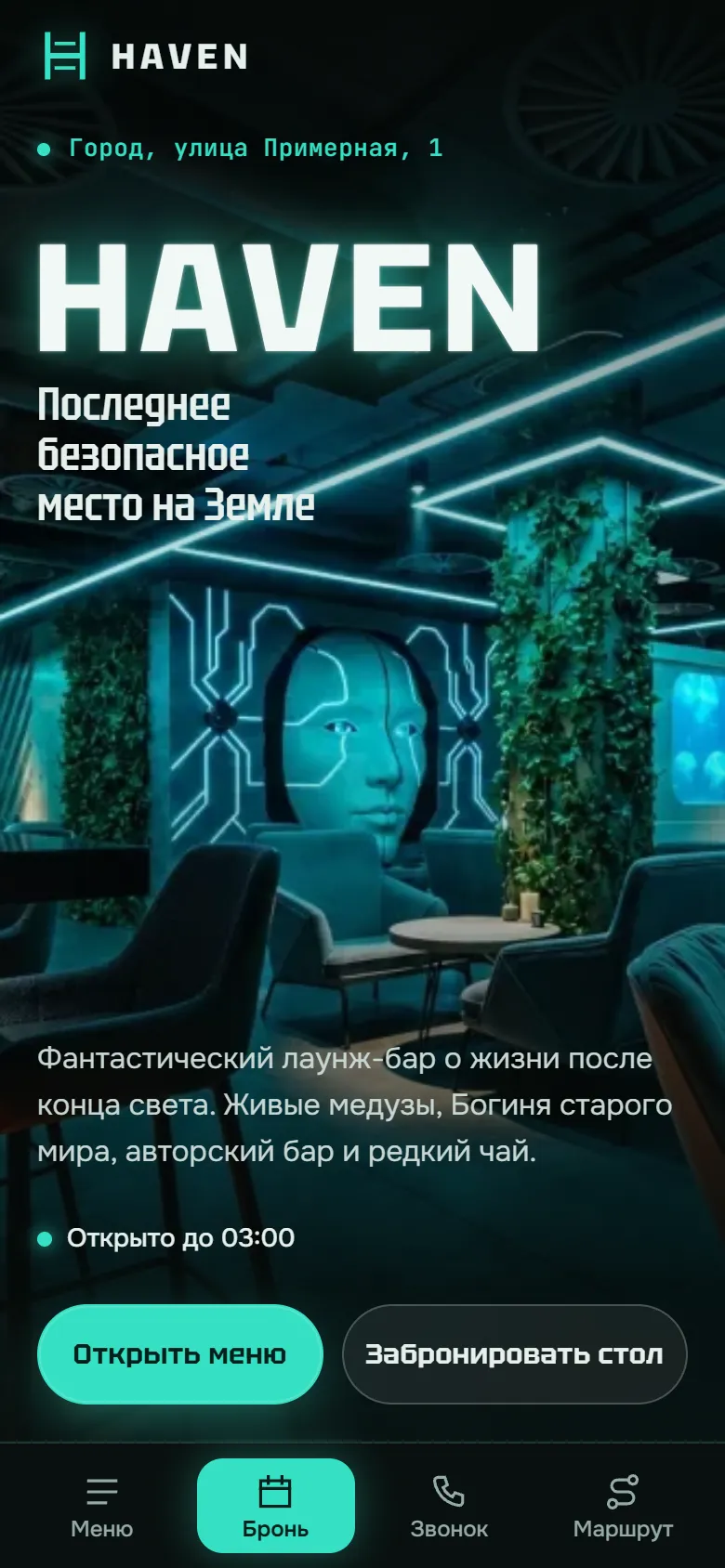
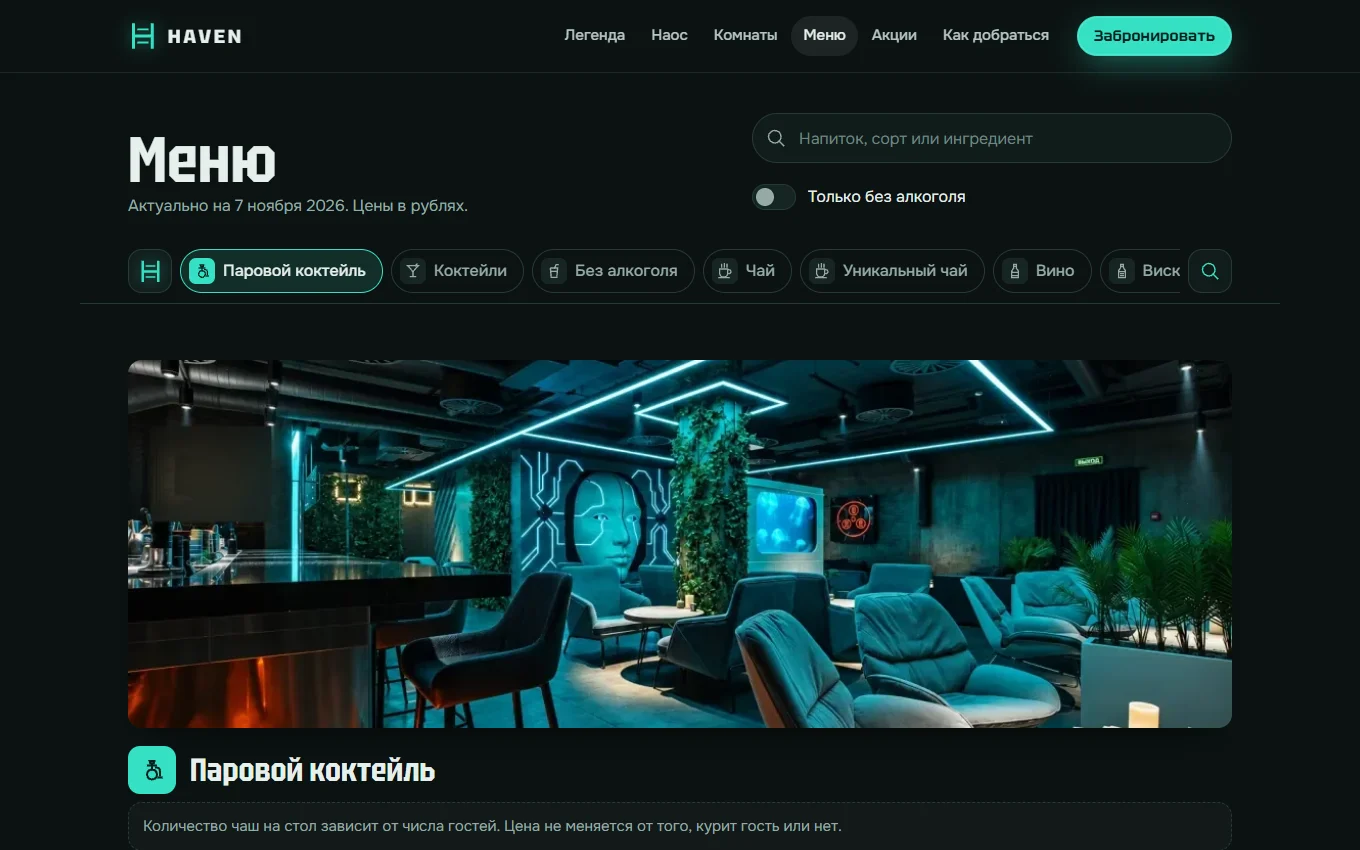
A guest scans the code on the table card and lands straight in the menu: sections, search, prices. The page is prebuilt and opens fast.
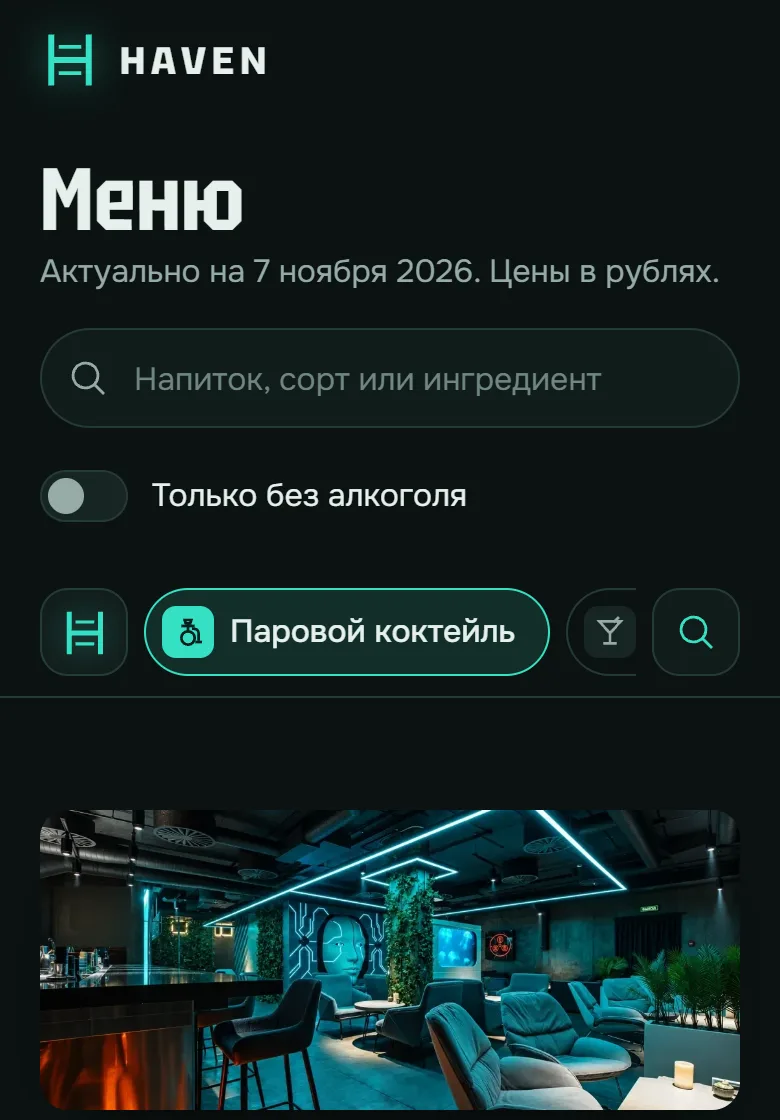
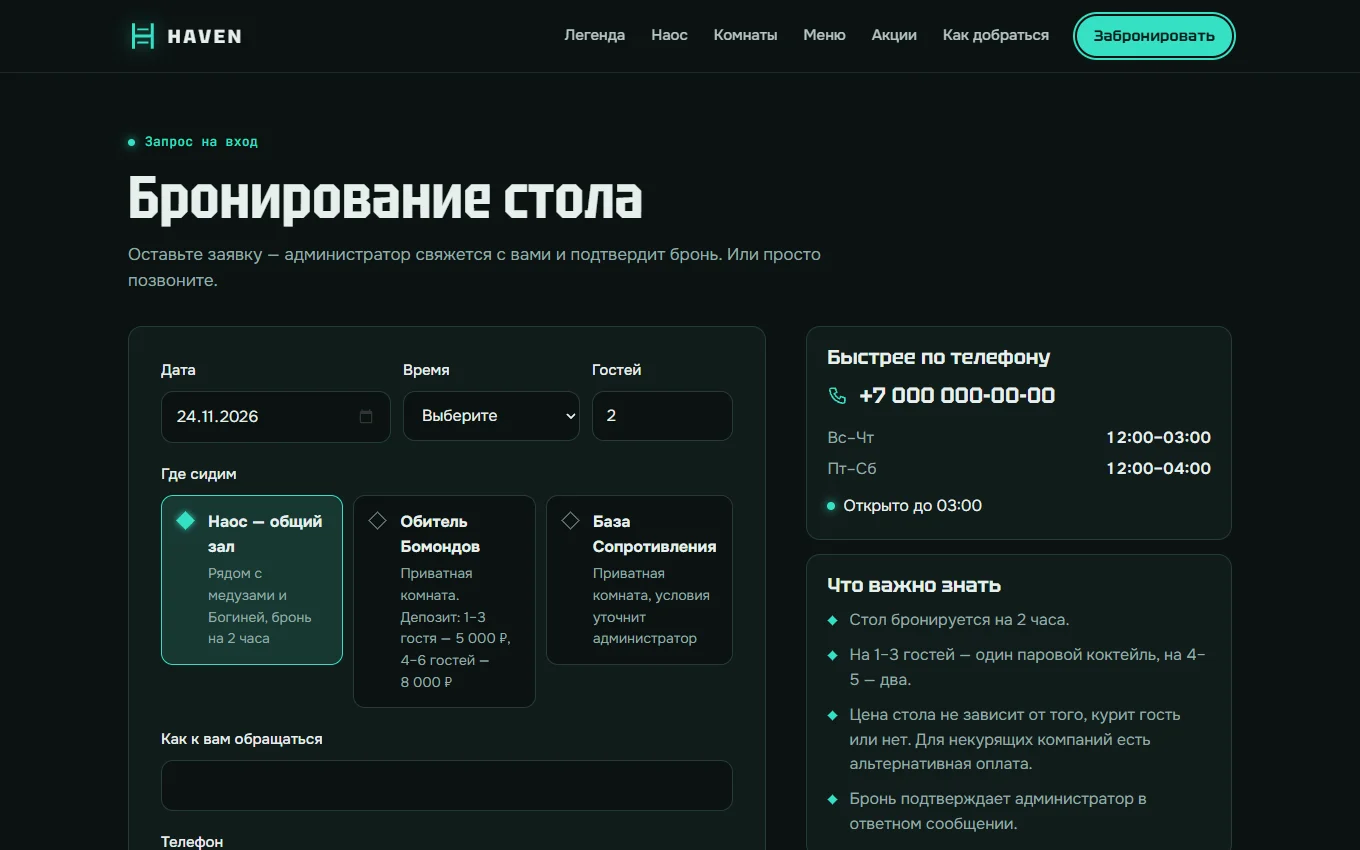
Requests reach the venue with a phone number and a Telegram alert. If the connection fails, the site offers to send a message instead.
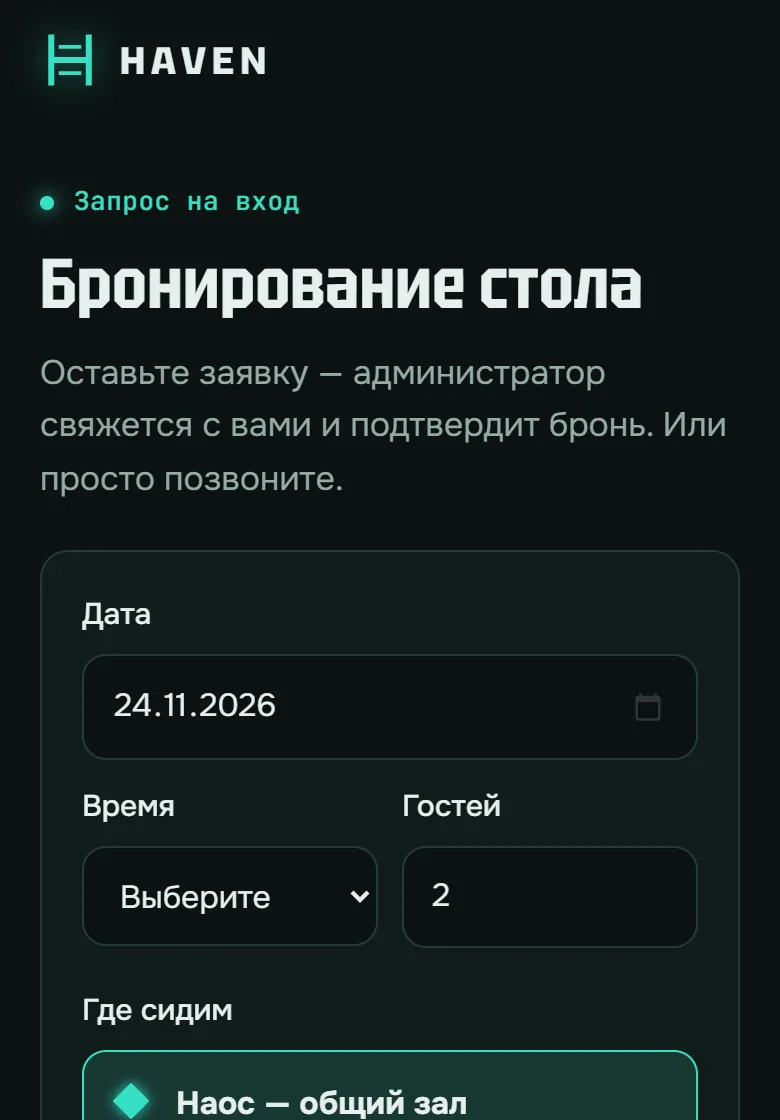
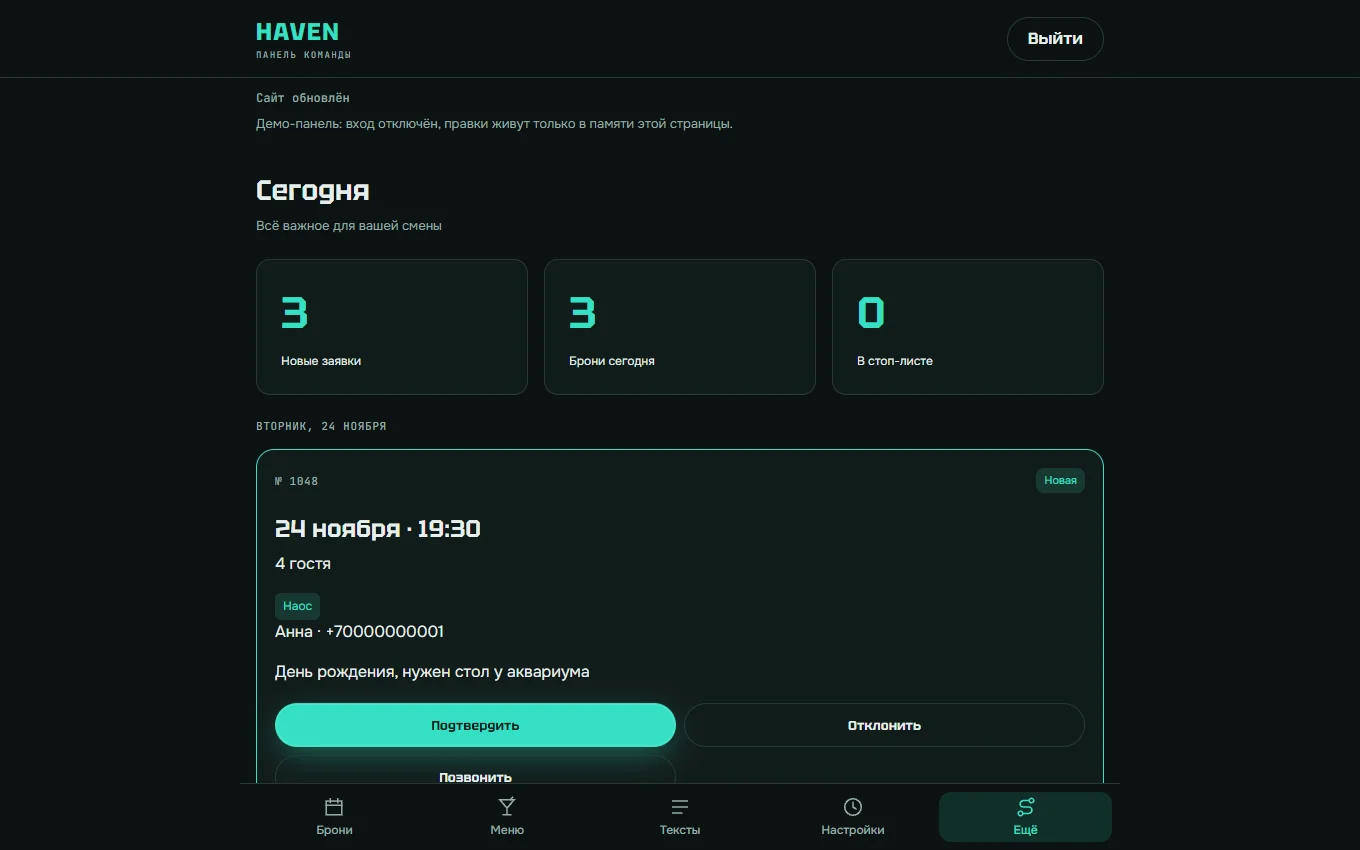
The owner changes the menu, prices, photos and sold-out items from a phone. Staff only see bookings and the sold-out list.
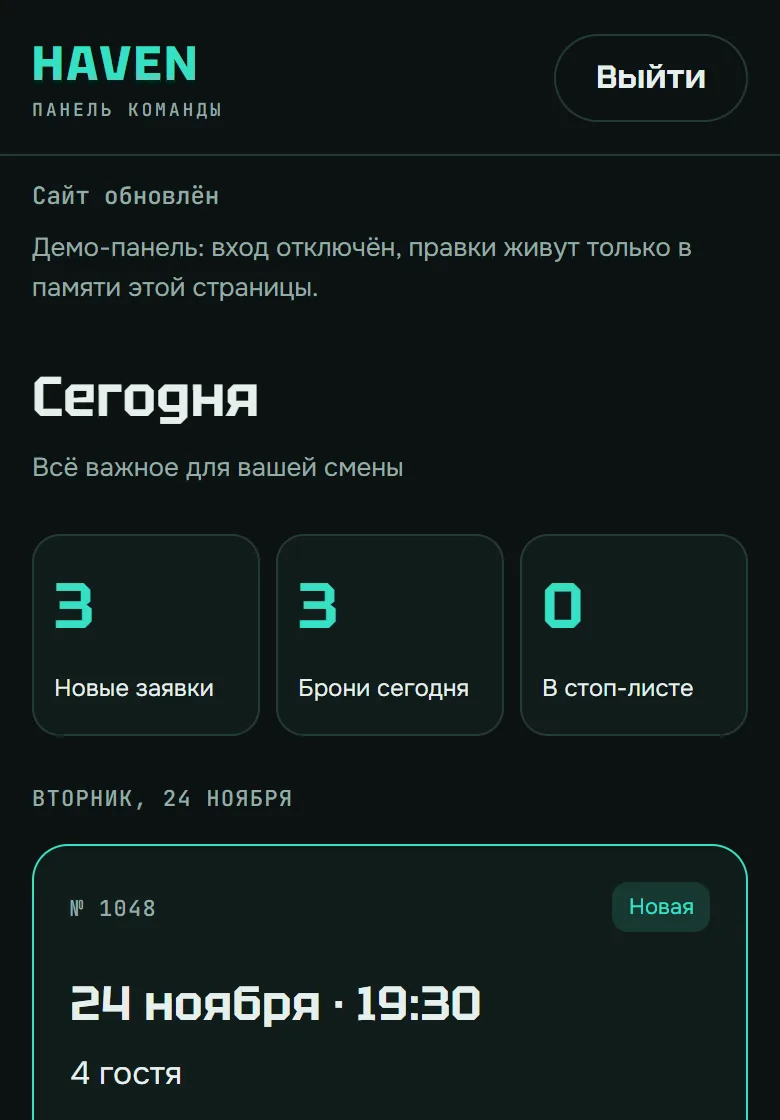
Every publish is saved, so a bad edit can be rolled back.
A printed table card with a QR code is produced along with the site.
- 1
QR-code menu
A guest scans the code on the table card and lands straight in the menu: sections, search, prices. The page is prebuilt and opens fast.
- 2
Booking from the site
Requests reach the venue with a phone number and a Telegram alert. If the connection fails, the site offers to send a message instead.
- 3
Admin on your phone
The owner changes the menu, prices, photos and sold-out items from a phone. Staff only see bookings and the sold-out list.
- 4
History and rollback
Every publish is saved, so a bad edit can be rolled back.
- 5
Table card
A printed table card with a QR code is produced along with the site.
Before after
-
Before: A menu of images you have to zoom into
After: A menu in text: sections, search, prices
-
Before: New price – remake the image
After: The owner changes prices in the admin panel
-
Before: A builder template, the same for everyone
After: A site made for the venue, mobile-first
Stage: pilot
- idea
- prototype
- demo
- testbed
- pilot
- in use
The first site is already with a client. You can try the menu and booking in the demo right on this page.
- A demo venue website with an online menu and booking
- A website for a family business